DiLinKer oCuLink 4X to oCuLink 4X, SFF-8611 to SFF-8611 Cable 100cm
DiLinKer oCuLink 4X to oCuLink 4X, SFF-8611 to SFF-8611 Cable 100cm
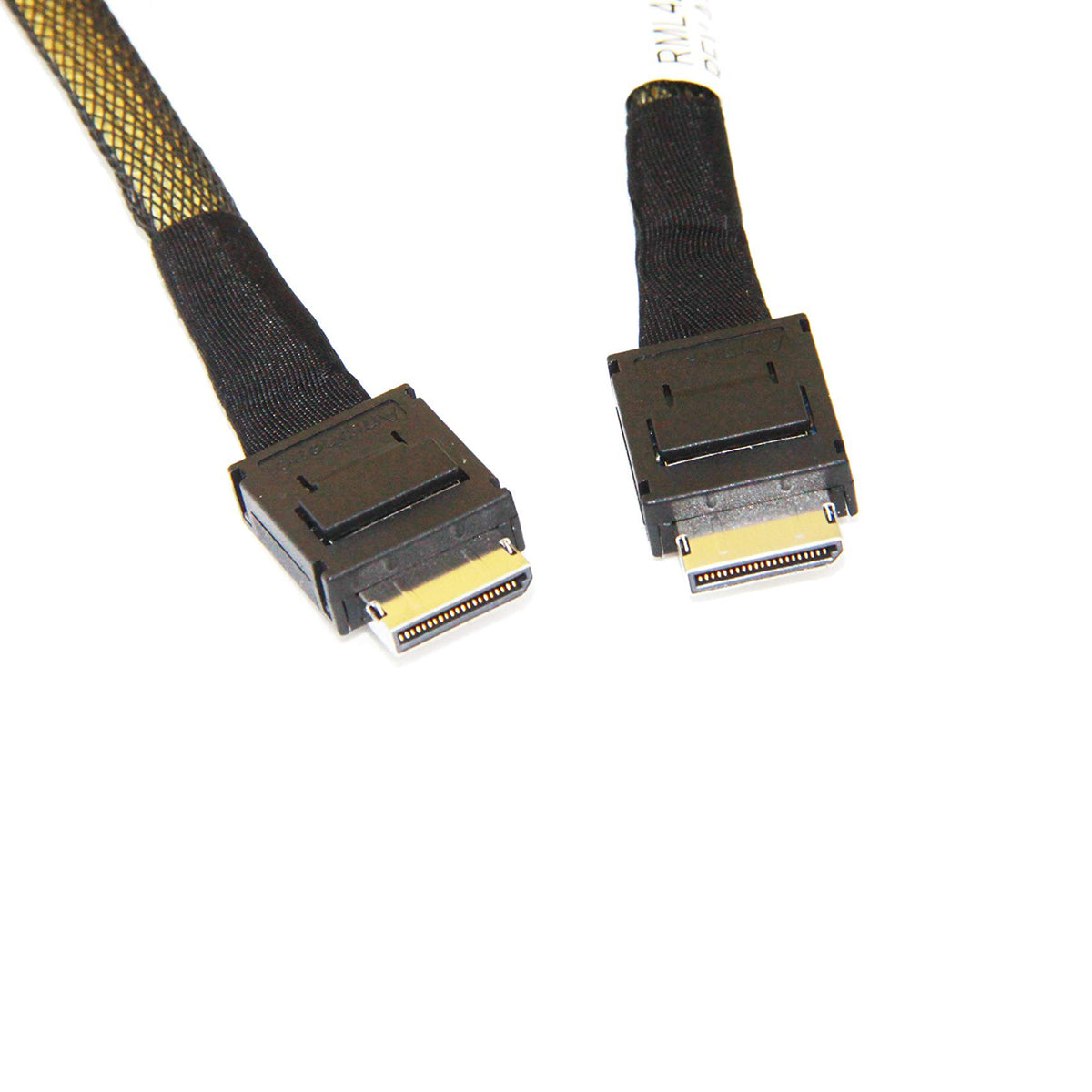
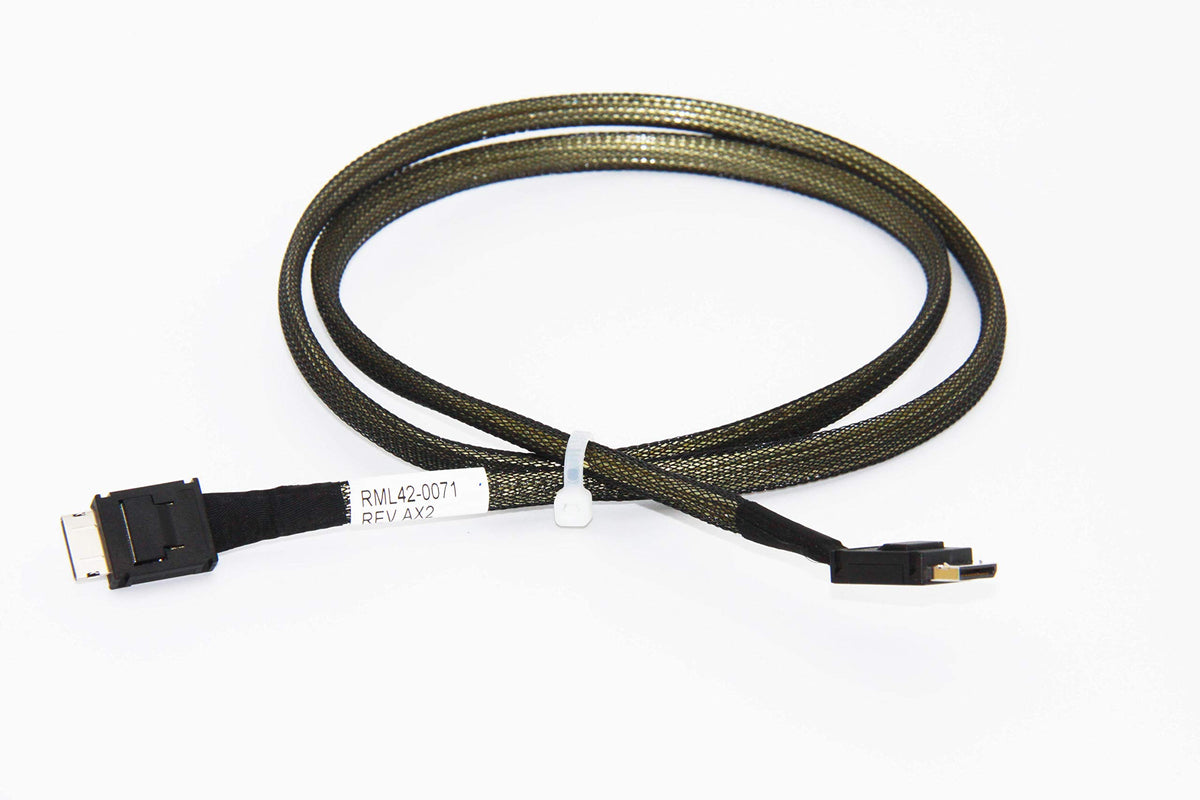
A straight, data-only link between two OCuLink ports. The DiLinKer 100 cm cable carries four PCIe lanes from an OCuLink host connector (SFF-8611, 36-pin) to an OCuLink device connector of the same type. OCuLink is the compact PCIe connector used on NAS boards, industrial and embedded platforms, and on adapter cards that break an M.2 slot out to external-grade storage links.
Why this cable
- Four PCIe lanes, straight through. A 1:1 host-to-device link for boards and backplanes wired as x4.
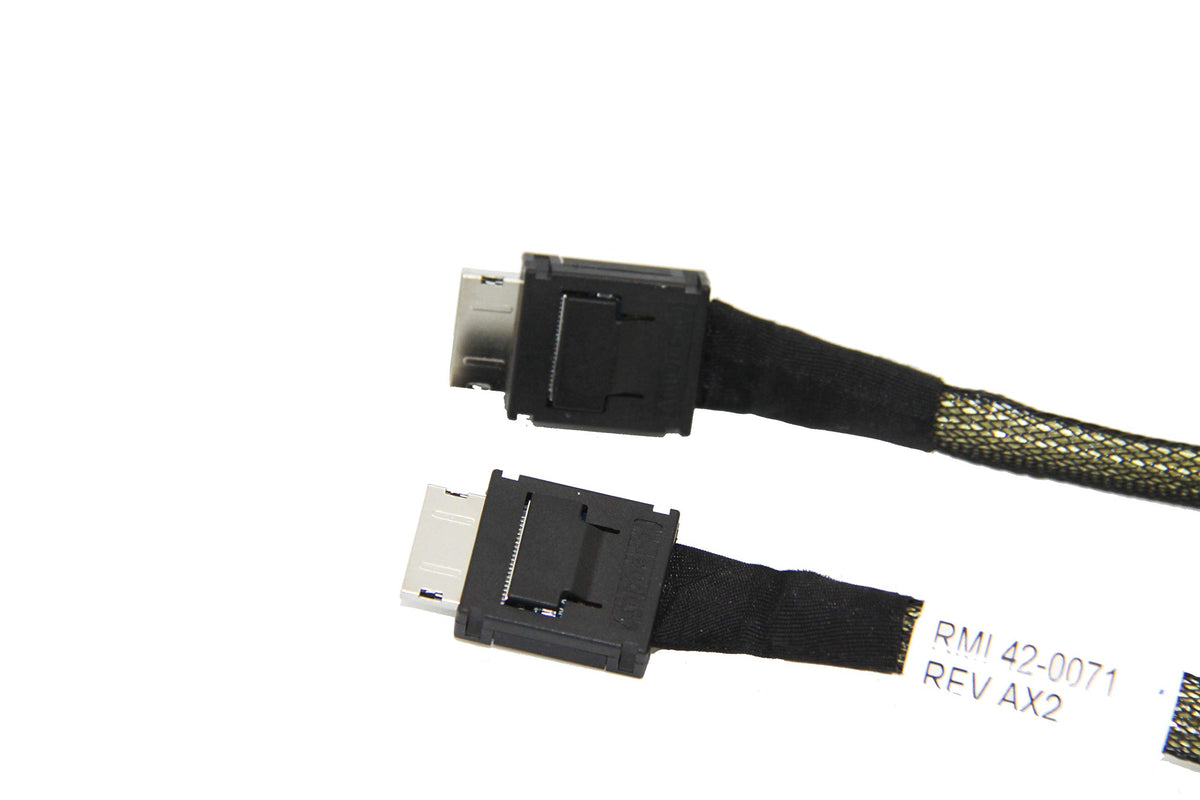
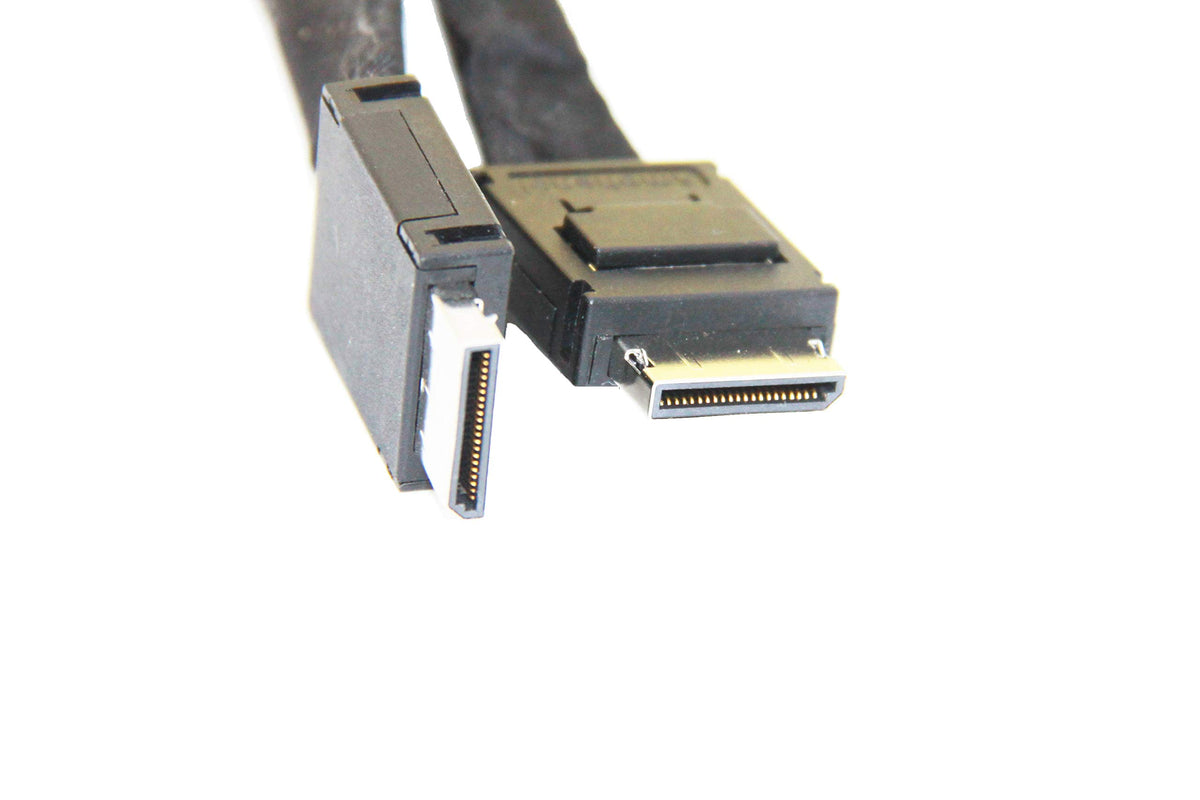
- SFF-8611 36-pin at both ends. The standard OCuLink 4x connector, latching for a secure fit.
- Built for PCIe 3.0 / 4.0 x4 links. The bandwidth an OCuLink port and a single NVMe drive actually use.
- 100 cm working length. Reaches from a controller card to a drive cage or an external breakout bracket.
- Slim, data-only construction. No power leads to dress — pair it with a powered adapter for drive connections.
Specifications
| Connector A | OCuLink 4x, SFF-8611, 36-pin plug |
| Connector B | OCuLink 4x, SFF-8611, 36-pin plug |
| Lanes | 4 (x4), straight 1:1 mapping |
| Interface | PCIe x4 (Gen3 / Gen4 deployments) |
| Protocol | PCIe only — OCuLink carries no SAS or SATA |
| Length | 100 cm / 39.4 in |
| Part number | RML42-0071 |
| SKU | B07H5GB231 |
| Warranty | 24 months |
Compatibility
Works with
- NAS, industrial and embedded boards with OCuLink 4x ports.
- M.2 to OCuLink adapter cards used to add NVMe expansion on consumer boards.
- OCuLink-input U.2 adapters, drive enclosures and backplanes.
Does not work with
- Drives connected directly. The drive side needs a powered adapter or enclosure — see the OCuLink to U.2 version with power.
- SlimSAS (SFF-8654) or MiniSAS HD (SFF-8643) ports — different connector standards.
- SAS or SATA equipment. The link carries PCIe lanes only.
Typical deployments
- NAS expansion. Link the OCuLink ports on a NAS or storage board to a drive cage or expansion unit.
- M.2 slot to U.2 drive. An M.2 to OCuLink adapter plus this cable puts a U.2-class drive on a desktop board.
- Tidy internal routing. A slim data-only run where a powered cable assembly would be in the way.
Frequently asked questions
What is the difference between OCuLink and SlimSAS?
Both are compact PCIe connectors, but OCuLink is SFF-8611 — common on NAS, industrial and consumer expansion gear — while SlimSAS is SFF-8654, the server-standard connector for SAS 4.0 and PCIe. They are not interchangeable.
Can I connect a U.2 drive directly with this cable?
Not on its own. A U.2 drive needs 12 V power as well as the PCIe link. Use the OCuLink to U.2 version that includes the power lead, or add a powered U.2 adapter.
Does it support PCIe 4.0?
OCuLink ports and drives in current equipment negotiate Gen3 and Gen4 x4 links. The cable is passive — the link speed is set by the host and device.
Does the cable carry SATA?
No. OCuLink carries PCIe lanes only, so SATA drives need a SATA controller and a SATA cable.
In the box
- 1 × OCuLink 4x to OCuLink 4x cable, 100 cm (SKU B07H5GB231)
Backed by a 24-month warranty. If a link trains at reduced width or does not appear, contact us with your controller and device models and we will help you isolate the cause.
Related
Product features
Product features
Materials and care
Materials and care
Merchandising tips
Merchandising tips
Share