U.2 (SFF-8639) NVMe SSD to M.2 Host Adapter, SATA Power Cable, 75 cm
U.2 (SFF-8639) NVMe SSD to M.2 Host Adapter, SATA Power Cable, 75 cm
Bulk & OEM pricing available · Reply within 24 hours
A U.2 (SFF-8639) drive on a motherboard that only has an M.2 slot free. This is the PCIe 4.0 version: the same card-and-cable arrangement, rated for Gen4 signaling and with 75 cm of cable instead of 50.
What the 4.0 rating buys you
- Gen4-rated, for Gen4 drives. A Gen4 U.2 drive can sustain close to 7 GB/s. Through a Gen4 slot and a Gen4-rated assembly it will; through a marginal Gen3-era adapter it may not train at Gen4 at all and will quietly fall back. This assembly is built for the higher signaling rate.
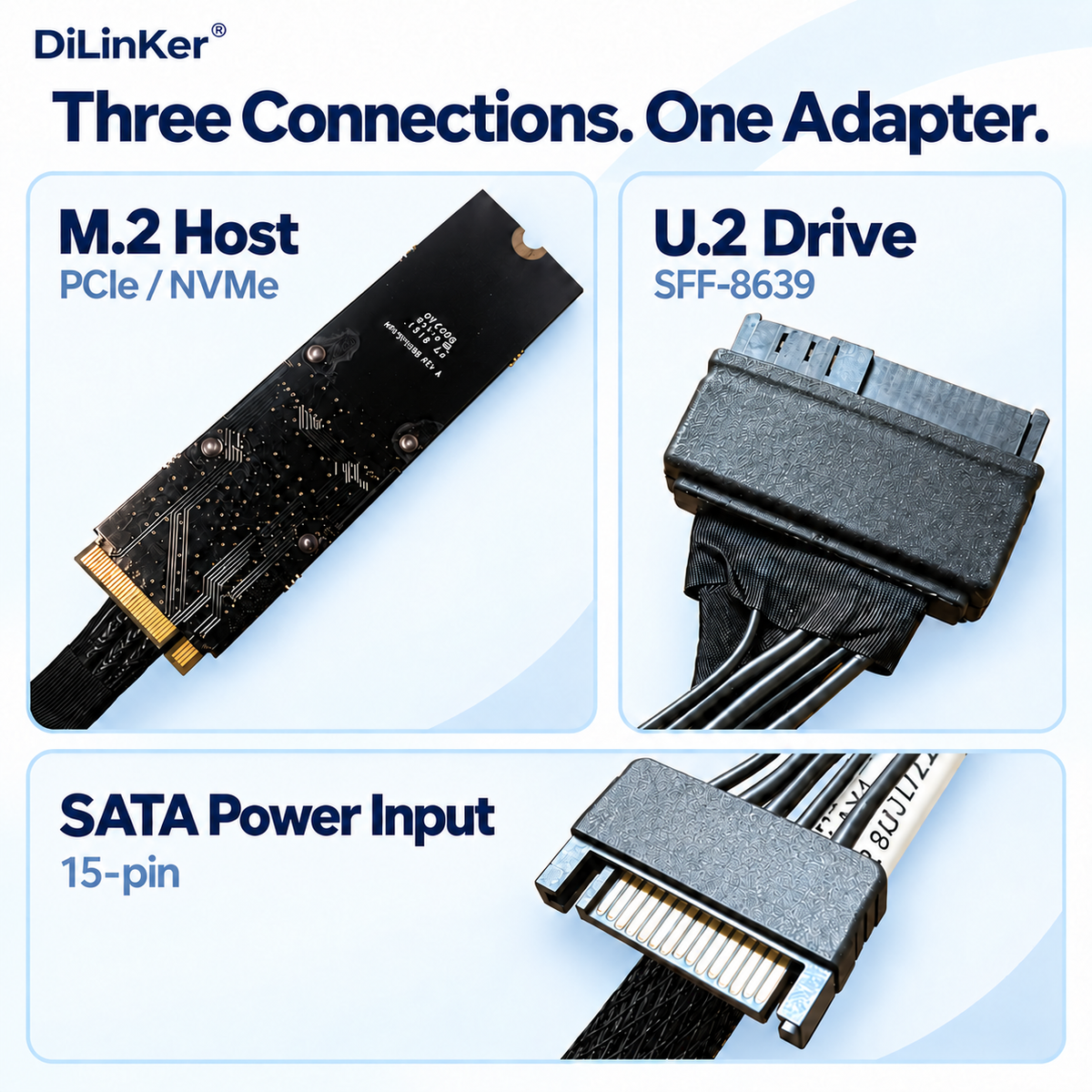
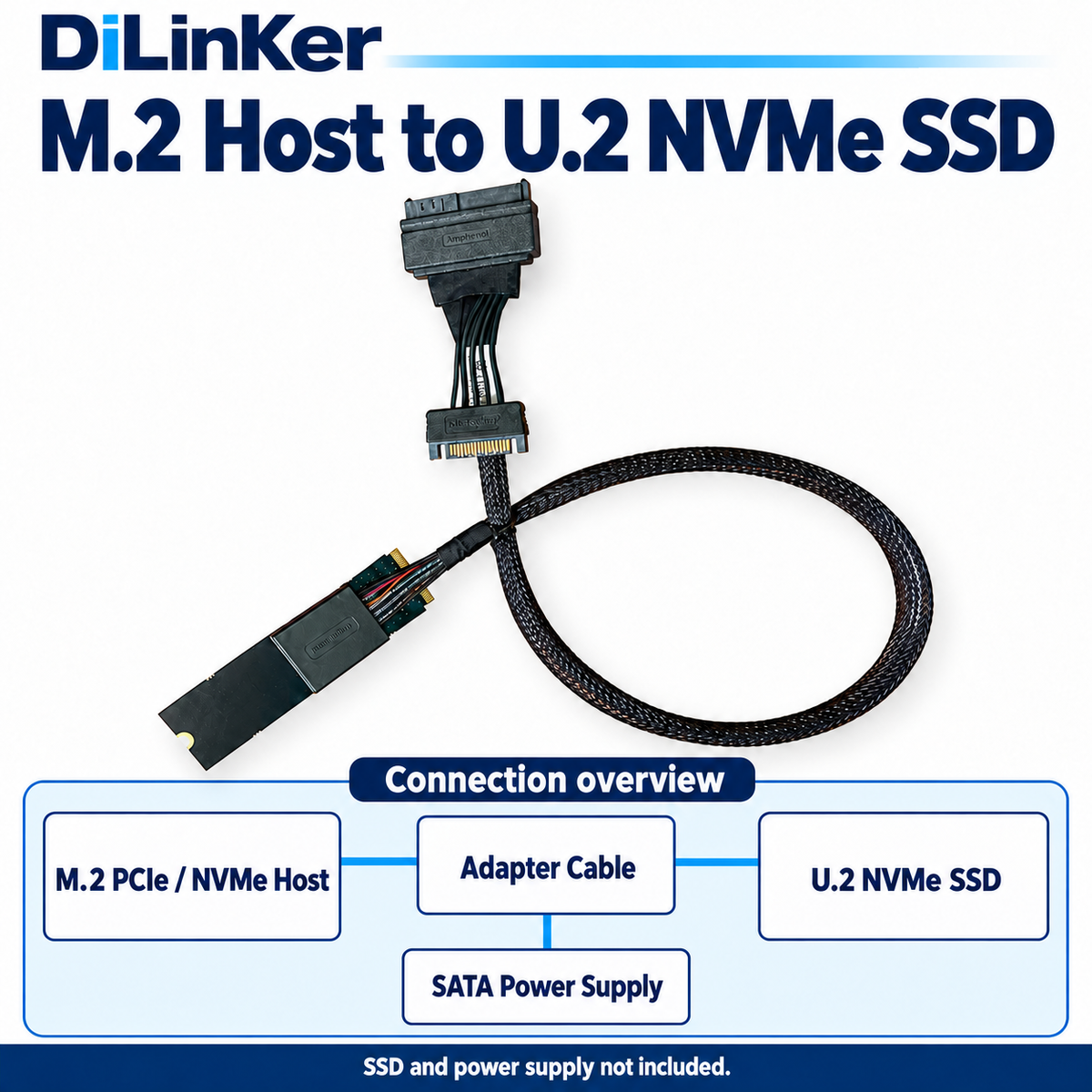
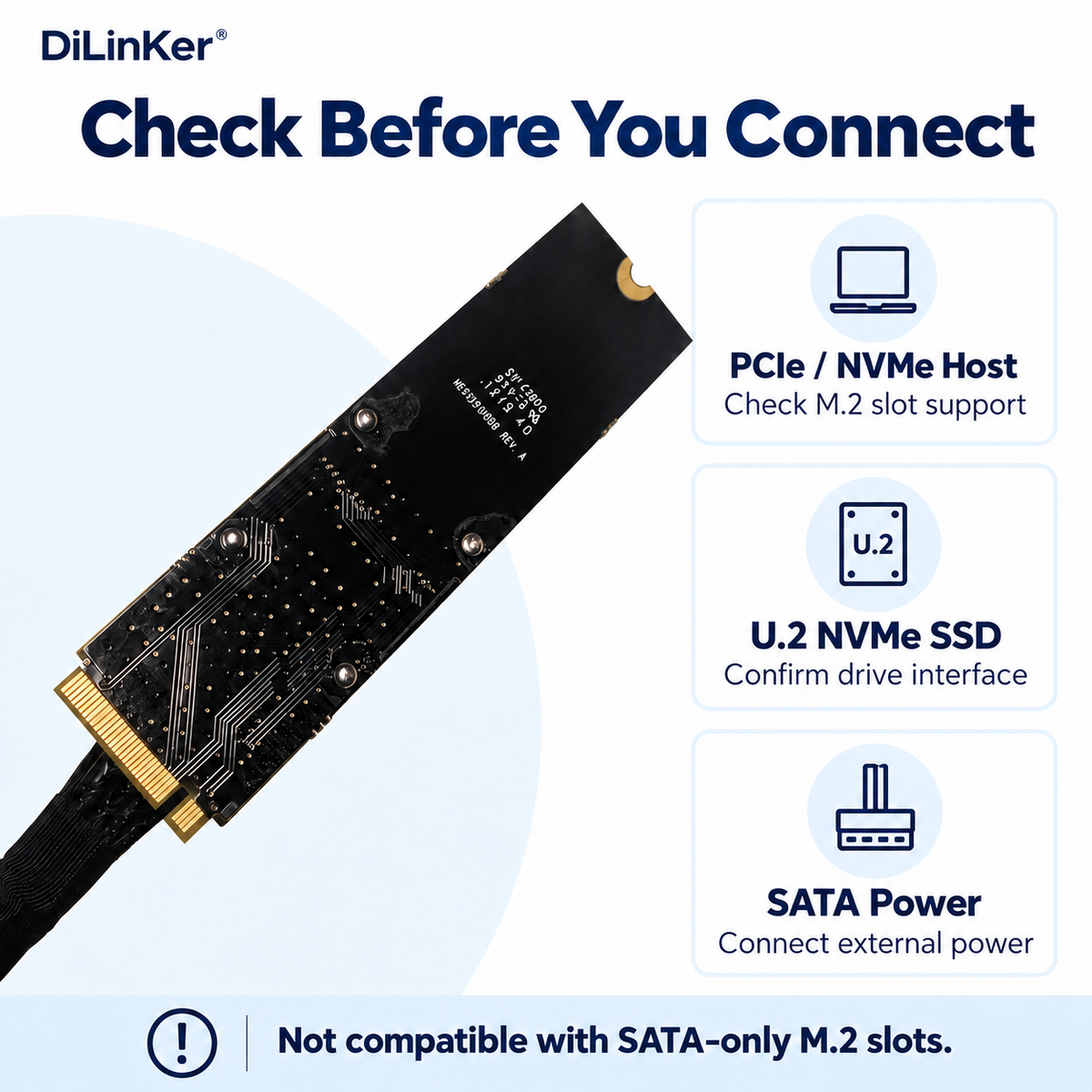
- Direction: U.2 drive, M.2 host. The card sits in the M.2 slot, the 68-pin end goes to a 2.5″ U.2 SSD. It does not turn an M.2 SSD into a U.2 module — if that is what you need, it is the opposite adapter.
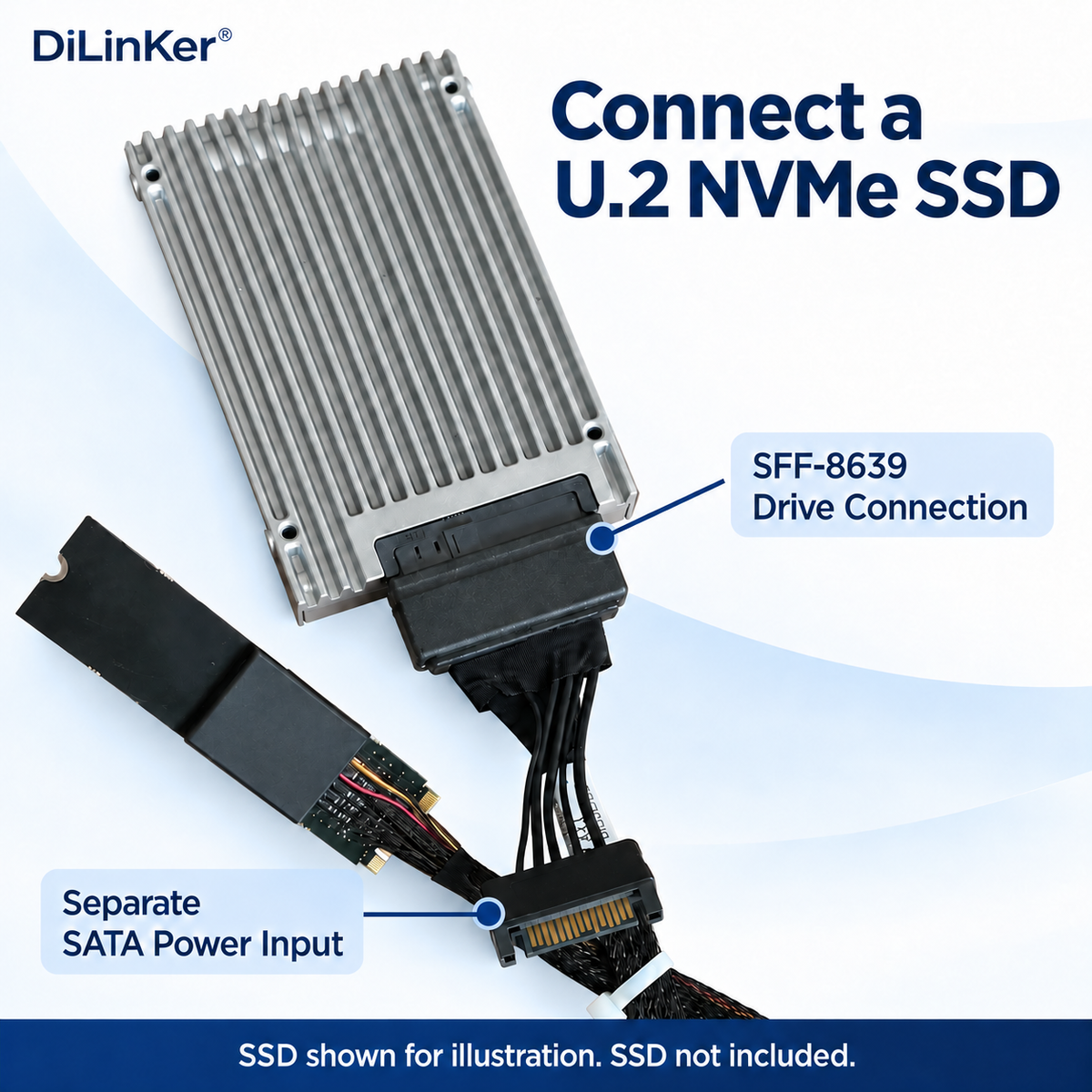
- 12 V from the PSU, always. An M.2 slot gives you 3.3 V. A 2.5″ U.2 drive needs 12 V as well, so the SATA power lead in the box is part of the install, not an accessory.
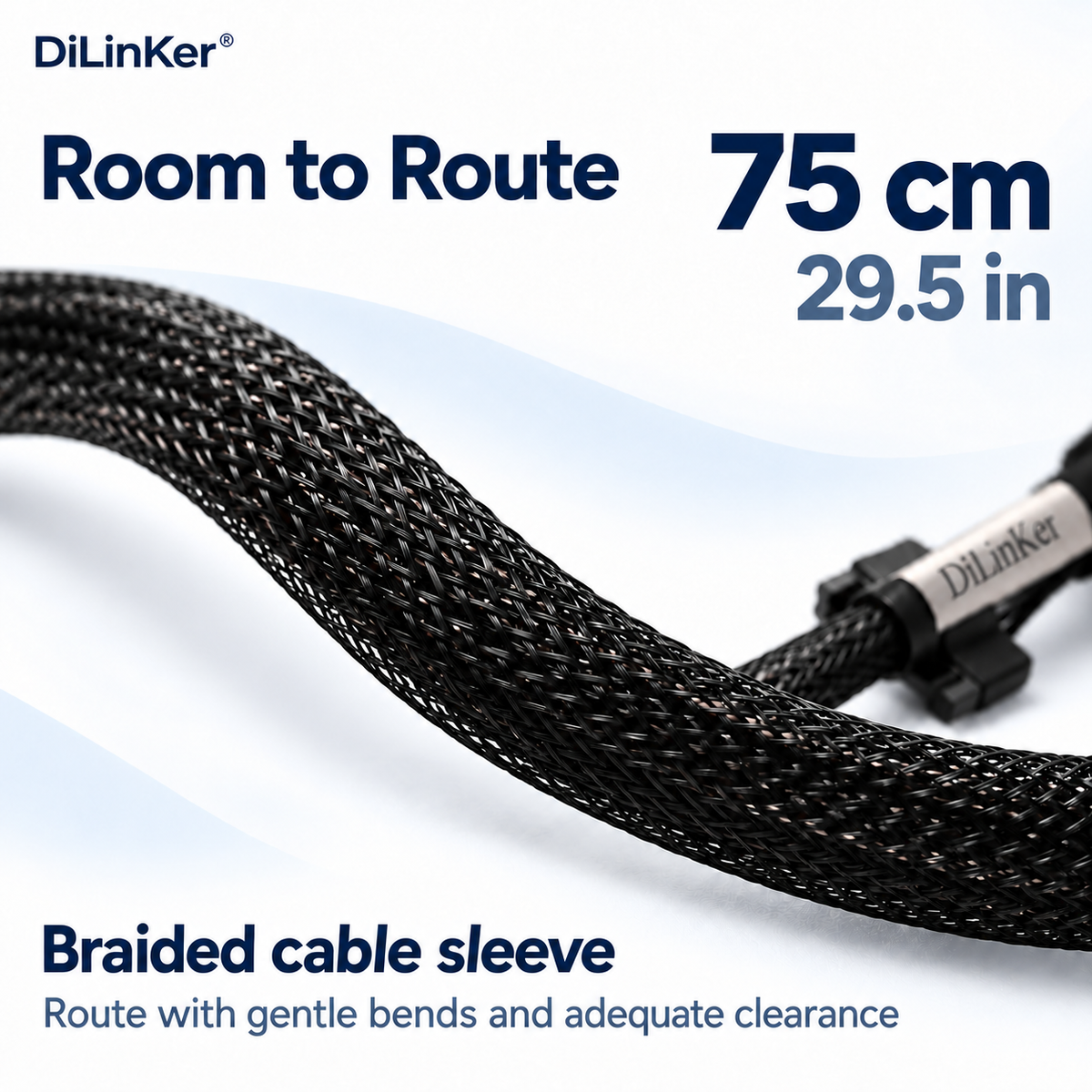
- 75 cm so the drive can live in a bay. The extra 25 cm over the 50 cm version is what lets the drive sit in a proper 2.5″ cage while the card stays on the board — front-mounted cages in a full tower, or a drive sled on the far side of a long GPU.
- It is not a PCIe slot card. This installs in an M.2 socket, not in a PCIe slot. If your slots are free and the M.2 is the scarce resource, a PCIe x4 to U.2 cable is the cheaper answer: it uses a slot, leaves the M.2 free and needs no adapter card at all.
Specifications
| Host connector | M.2 M-key (PCIe x4) |
| Device connector | U.2 / SFF-8639, 68-pin |
| Power | SATA 15-pin lead to the PSU |
| Cable length | 75 cm |
| Generation | PCIe 4.0 x4 (16 GT/s per lane) |
| Interface speed | Up to ~7.9 GB/s |
| Protocol | NVMe over PCIe only |
| Part number | RPC75-0056 |
| SKU | B0CKT12PS3 |
Compatibility
Works with
- M.2 M-key slots carrying PCIe lanes, Gen3 or Gen4
- 2.5″ U.2 NVMe SSDs, including Gen4 models
- Tower and rack builds with a free SATA power connector
Does not work with
- SATA-only M.2 slots (B-key)
- Turning an M.2 SSD into a U.2 drive — wrong direction
- SAS or SATA 2.5″ drives
- U.3 drives without checking the pin assignment first
Typical deployments
- Gen4 U.2 drive in a Gen4 desktop board. The slot has the lanes, the drive has the speed; the adapter is the only thing missing.
- Full-tower builds with front cages. 75 cm reaches a front 2.5″ cage from a board-mounted M.2 slot without strain.
- Test benches. Move a U.2 drive between machines through the M.2 slot, which is usually the only free host interface on a modern board.
Frequently asked questions
Does it need a SATA power connection?
Yes. Without 12 V the drive will not come up. The lead is included.
Do I get Gen4 speeds?
Only if the slot, the drive and the CPU/chipset path are all Gen4. Any Gen3 link in the chain pulls the whole connection down to Gen3.
How is this different from the 50 cm version?
Two things: 25 cm more cable, and a Gen4 signal rating. If your drive is Gen3 and the bay is close, the 50 cm version is cheaper.
Can I boot from it?
Depends on the board firmware, not on the adapter. Most current boards boot from NVMe on an M.2 slot; check yours if the machine is older.
Will a U.3 drive work?
Do not assume it. U.3 and U.2 share the 68-pin shell but not the pin assignment. Tell us the drive model and we will confirm before you order.
Is the card itself passive?
Yes — no re-driver, no switch, nothing to configure. It carries the lanes straight through, which is also why it adds no measurable latency.
In the box
- 1 × PCIe 4.0 U.2 (SFF-8639) to M.2 host adapter card
- 1 × 75 cm cable
- 1 × SATA power lead
Every cable is continuity- and pinout-tested before it ships and carries a 12-month warranty. If a link does not train, send us the controller model and the backplane part number before returning anything — in most cases the cable is the wrong variant for the port, not faulty, and we would rather tell you that up front.
Related
Share