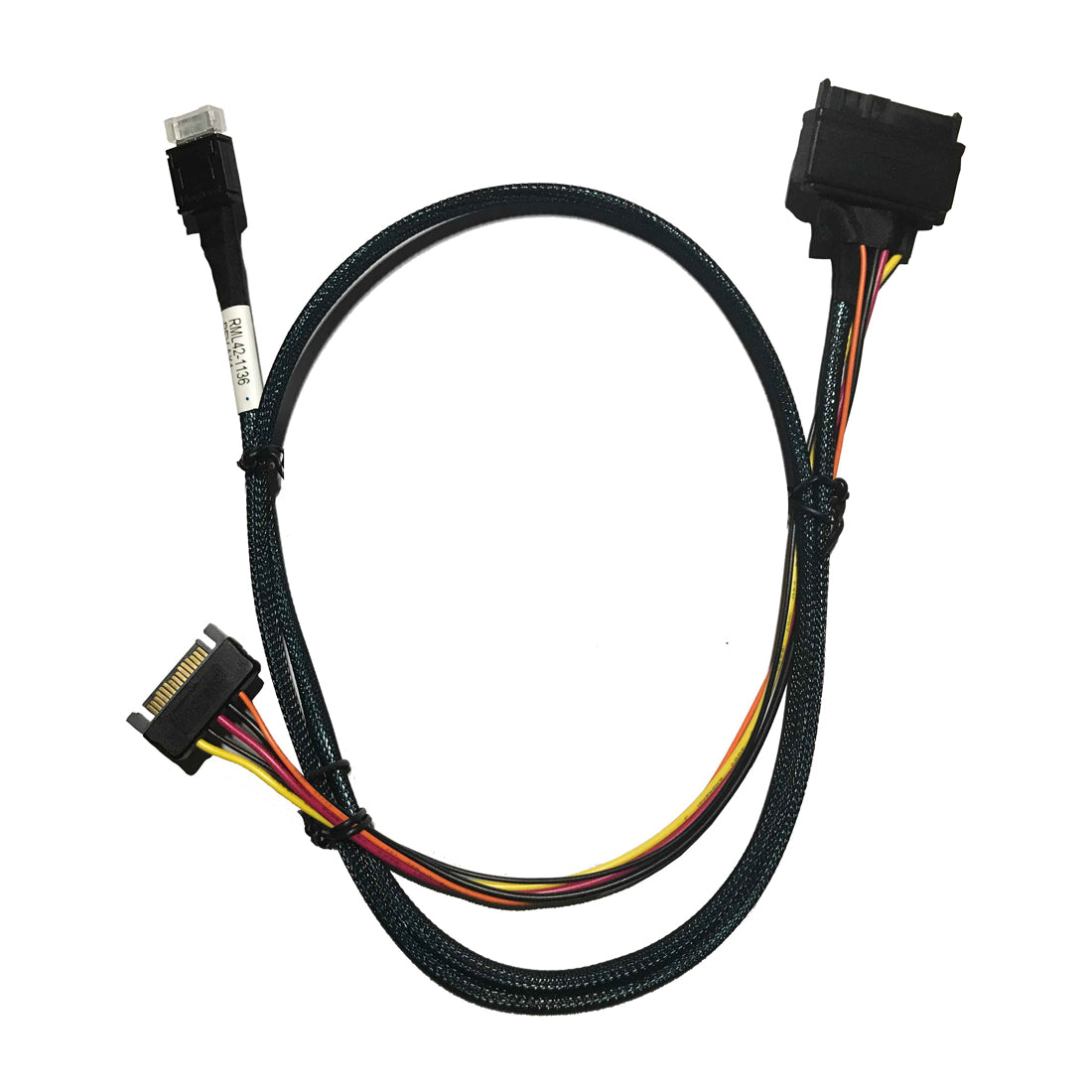
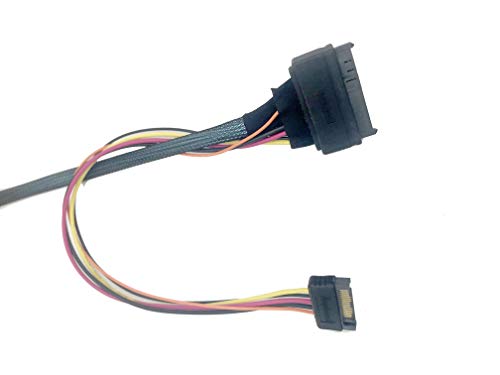
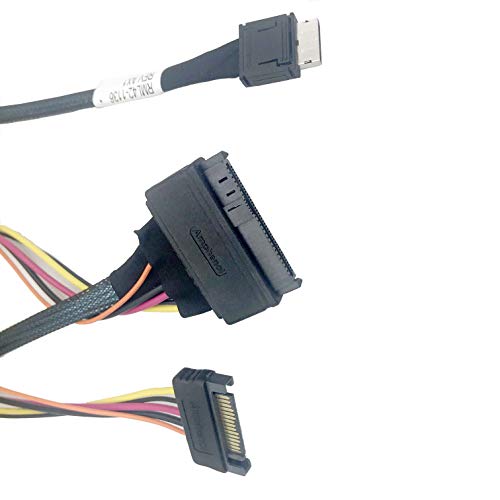
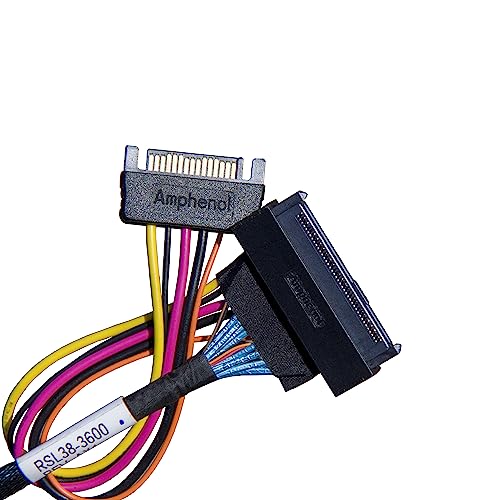
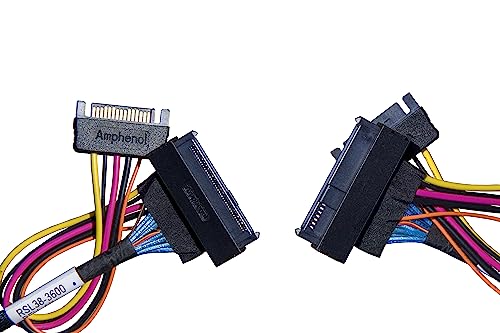
DiLinKer oCuLink 4X to NVMe U.2 SSD, SFF-8611 to SFF-8639 Cable with Power 100cm(CBL-SAST-0956)
DiLinKer oCuLink 4X to NVMe U.2 SSD, SFF-8611 to SFF-8639 Cable with Power 100cm(CBL-SAST-0956)
Put a U.2 NVMe drive on an OCuLink port. This DiLinKer assembly (CBL-SAST-0956) connects an OCuLink 4x host connector (SFF-8611, 36-pin) to a U.2 device connector (SFF-8639, 68-pin) and includes a 4-pin power lead, because a U.2 drive needs 12 V as well as the PCIe link. It is the straightforward way to hang enterprise NVMe storage off NAS boards, industrial platforms and M.2-to-OCuLink adapters.
Why this cable
- Drive-side power included. The 4-pin lead feeds 12 V to the U.2 connector, so the drive runs without a backplane.
- Four PCIe lanes, straight through. A U.2 drive is a 4-lane device — this cable gives it all four lanes from the host.
- Built for PCIe 3.0 / 4.0 x4 links. About 3.9 GB/s at Gen3 x4 and 7.9 GB/s at Gen4 x4, per port.
- 100 cm reach. From a controller card or board header to a drive bay without strain.
- Passive assembly. No switch chip — the drive appears directly on the host PCIe bus.
Specifications
| Host connector | OCuLink 4x, SFF-8611, 36-pin plug |
| Device connector | U.2 (SFF-8639), 68-pin |
| Lanes | 4 (x4), straight 1:1 mapping |
| Interface | PCIe x4 (Gen3 / Gen4 deployments) |
| Power | 4-pin lead from the system PSU to the drive connector |
| Protocol | NVMe over PCIe only |
| Length | 100 cm / 39.4 in |
| Part number | CBL-SAST-0956 |
| SKU / EAN | B07NY4S5CS / 6970958108629 |
| Warranty | 24 months |
Compatibility
Works with
- Boards and NAS platforms with OCuLink 4x ports.
- M.2 to OCuLink adapter cards on desktop and workstation boards.
- U.2 NVMe SSDs such as Samsung PM9A3, Micron 7450, Kioxia CM6 and Intel P4510 series.
Does not work with
- SAS or SATA drives. The link carries PCIe only, so the device must be NVMe.
- SlimSAS (SFF-8654) hosts — different connector standard.
- PCIe 5.0 links. Plan on Gen3/Gen4 operation for this assembly.
Typical deployments
- NAS with a U.2 tier. OCuLink ports on a storage board driving enterprise NVMe drives.
- Desktop NVMe expansion. An M.2 to OCuLink adapter plus this cable adds a U.2 drive without a PCIe slot.
- Test benches. Swap U.2 drives between systems without a backplane.
Frequently asked questions
My board has no OCuLink port — can I still use it?
Yes, with an M.2 to OCuLink adapter card in a spare M.2 slot. The adapter presents an OCuLink port; this cable then carries the link and power to the U.2 drive.
Why does the cable need a power lead?
U.2 drives take their 12 V supply through the SFF-8639 connector. Without power the drive will not spin up even though the PCIe link is fine. Connect the 4-pin lead to a PSU output once and you are done.
What speed will I get?
A Gen3 x4 link moves about 3.9 GB/s and Gen4 x4 about 7.9 GB/s — in both cases faster than the drive itself can sustain, so the cable is not the bottleneck.
Can I connect SATA drives?
No. OCuLink carries PCIe only. SATA drives need a SATA controller and standard SATA cables.
In the box
- 1 × OCuLink 4x to U.2 cable with power lead, 100 cm (CBL-SAST-0956)
Backed by a 24-month warranty. If a link trains at reduced width or does not appear, contact us with your controller and device models and we will help you isolate the cause.
Related
Product features
Product features
Materials and care
Materials and care
Merchandising tips
Merchandising tips
Share